

13

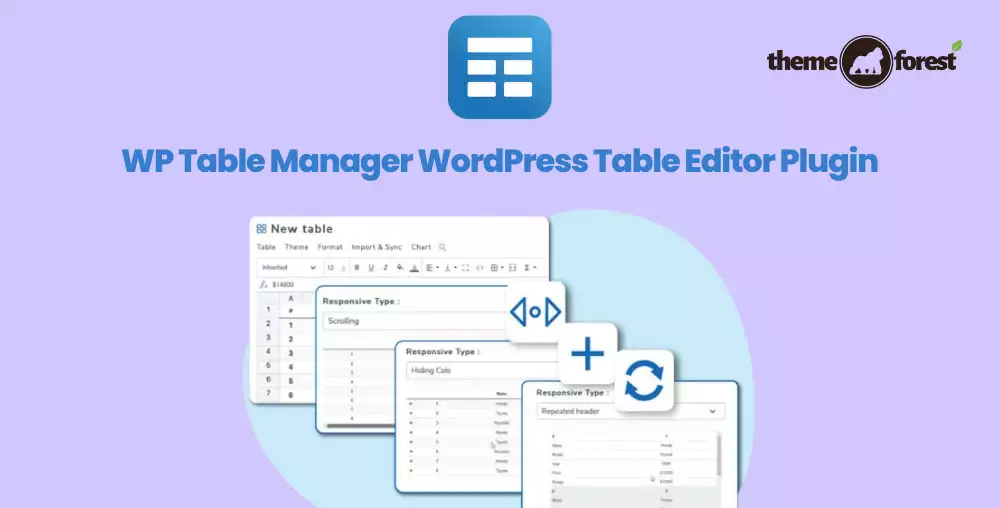
WP Table Manager
1 ₫
WP Table Manager is a fantastic tool for managing tables in WordPress. It offers an intuitive drag-and-drop interface, making it super easy to create and edit tables without coding. You can import data from Excel, customize table designs, and even make responsive tables that look great on any device. Perfect for both beginners and seasoned users!
- Phiên bản : 4.2.3
- Ngày update :
- License : GPL
WP Table Manager
WP Table Manager is a powerful WordPress plugin designed to simplify the creation, management, and customization of tables within your WordPress website. Unlike typical WordPress table plugins, WP Table Manager offers a comprehensive spreadsheet-like interface that makes table editing intuitive and efficient. Whether you need to build data-rich tables, pricing comparisons, schedules, or charts, this plugin transforms complex table management into a seamless, user-friendly experience without requiring any coding knowledge.
What truly sets WP Table Manager apart is its extensive synchronization capabilities with popular spreadsheet tools like Excel, Google Sheets, Office 365, and CSV files. This means you can easily import, export, and synchronize data in real time, ensuring that your WordPress tables are always up to date. Additionally, WP Table Manager delivers fully responsive tables that adapt beautifully to any device, coupled with advanced user role management and frontend editing options. This makes it the ideal solution for businesses and website owners looking for professional, dynamic tables that integrate perfectly with WordPress and popular page builders like Elementor and Divi.
Key Features
- Full Spreadsheet Interface – Manage and edit tables directly within WordPress using an intuitive, Excel-like spreadsheet environment for fast and easy data manipulation.
- Seamless Excel, Google Sheets & Office 365 Synchronization – Import, export, and automatically synchronize tables with Excel files, Google Sheets, and Office 365, ensuring your data is always current without manual updates.
- Responsive Table Modes – Create adaptive tables that look perfect on all devices, including smartphones and tablets, enhancing user experience across platforms.
- Visual HTML Cell Editing – Edit table cells with or without a visual text editor, allowing for complex content such as links, colors, and custom formatting inside each cell.
- Advanced User Access Control – Define granular permissions for WordPress user roles to control access to tables and even lock specific cell ranges, ensuring data security and collaborative editing.
- Integration with Elementor and Divi – Utilize dedicated widgets and modules to embed and edit tables effortlessly within the popular Elementor and Divi page builders.
- Multiple Table Themes and Customization – Choose from professionally designed table themes or create your own from scratch, complete with editable styles to match your website branding.
- Frontend Table Editing – Allow your website visitors or team members to edit tables from the frontend with permissions set by the admin, streamlining collaboration.
- Data Calculation Tools – Incorporate formulas and calculations inside your tables, turning static data into dynamic, interactive content.
- Table Copying and Management – Quickly duplicate tables for reuse or to create variations, speeding up your workflow and ensuring consistency.
- Export Options – Export tables as Excel or CSV files directly from the backend or frontend, perfect for sharing data with clients or team members.
- Automatic Saving – Changes are automatically saved as you edit, preventing data loss and making table management hassle-free.
Hãy là người đầu tiên nhận xét “WP Table Manager”
Sản phẩm tương tự

1 ₫

1 ₫

1 ₫

1 ₫

1 ₫

1 ₫

1 ₫

1 ₫

1 ₫

1 ₫

1 ₫

1 ₫

1 ₫

1 ₫

1 ₫
Đánh giá
Chưa có đánh giá nào.